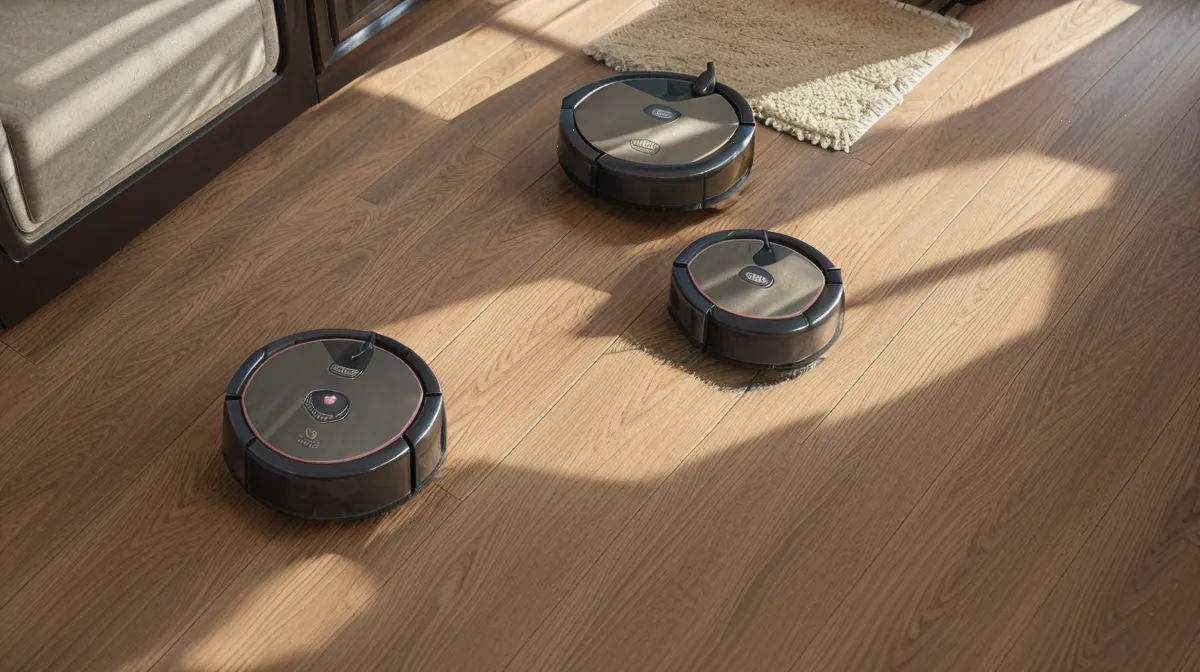
One rainy afternoon last spring, my vacuum stalled dead in the hallway doorway. It was sitting completely level on our dry oak flooring, screaming a high-priority drop-off distress alert to my phone. No stairs within fifteen feet. Just flat, honey-toned wood and a companion app insisting the machine was dangling over an open abyss.
"Is it possessed or just giving up on life?" Sam asked from the kitchen counter, where he was dicing carrots while Beans—our senior beagle—supervised his ankles for stray scraps.
I flipped the unit over onto my lap. There was no physical ledge, obviously. But there was Murph: our husky mix who sheds year-round with the quiet efficiency of an industrial snow machine. A faint gray halo of static-clung husky dander ringed each translucent underside sensor window like tiny greasy fingerprints. To an automated machine navigating by infrared light bouncing off wood, that microscopic layer of pelt-glitter looked like outer space.
The Hardware Suite: What Is Actually Under There?
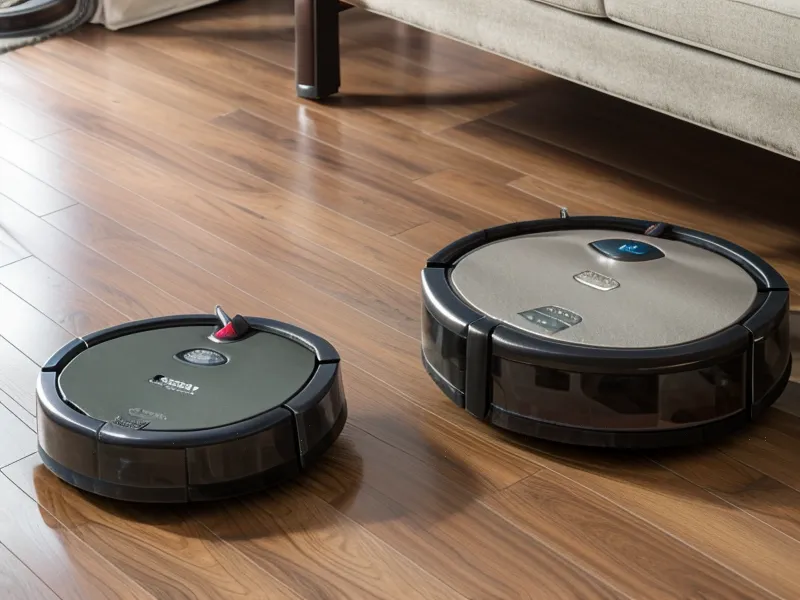
If you look at the companion app for whatever floor bot you own, the notification design is usually terrible. Most apps treat every pause like an unexpected catastrophic failure, flashing red banners and sending passive-aggressive push notifications that mimic a failed multi-factor authentication screen. They tell you to 'wipe the cliff sensors' without explaining that modern bots don\'t just have one set of eyes.
Your vacuum navigates through a whole array of small optical windows scattered around its perimeter and underside. When any single one gets clouded over, the machine\'s central processor panics:
- Cliff sensors: Most standard circular chassis pack 4 to 6 underside infrared drop sensors recessed along the front bumper edge. They constantly fire invisible light down at the floor and measure how long it takes to reflect back. If the floor drops away (like basement stairs), the beam doesn\'t return, and the bot halts. But if fine dust coats the plastic lens, the beam scatters in midair, mimicking a drop.
- Wall-following optical sensors: Usually nestled in a small side cutout on the right bumper. This tiny diode measures your distance from baseboards so the side brush can flick debris out without the machine slamming into trim.
- Front obstacle cameras and cross-lasers: Mounted straight ahead on the bumper. These handle low-lying shoe silhouettes, stray cords, and dog toys.
- Docking IR receivers: Small glossy panels on the nose or top that line up with the base station when the battery hits twenty percent.
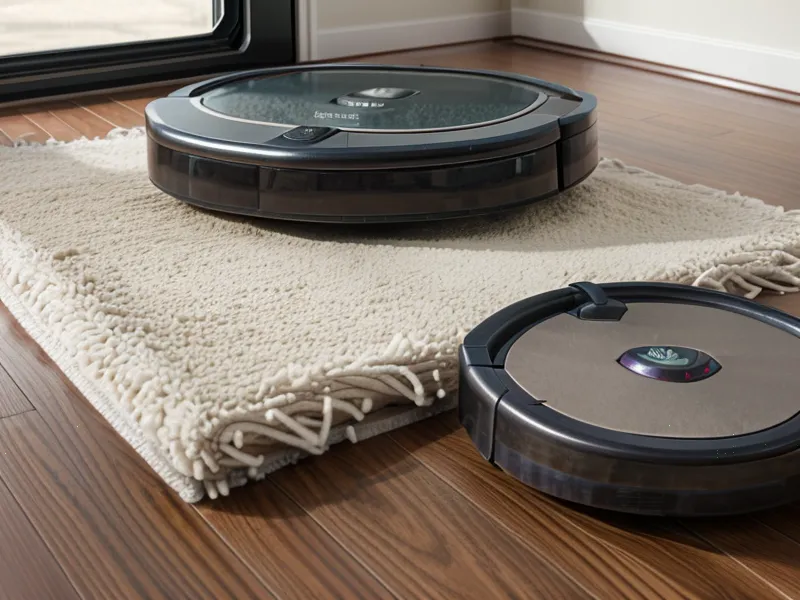
When these lenses get filthy, you don\'t just get one clean error message. You get erratic, drunken navigation. The bot backs up randomly, spins in three tight circles in broad daylight, or refuses to cross onto a clean runner rug. If your machine is constantly choking on dark patterns or transitions, you might also be dealing with surface contrast issues, which I broke down when untangling why your robot vacuum keeps ghosting your area rugs.
The Costly Mistakes That Ruin Optical Windows
Late winter was when I learned what not to do, through sheer impatience. Our running dustbin tally had already logged hundreds of grams of dog hair across the house, and I was so sick of clearing error pop-ups that I grabbed the nearest kitchen paper towel and a spray bottle of multi-surface cleaner.
That was an expensive instinct. Scrubbing a wall-following lens with a kitchen paper towel, only to watch the robot grind itself relentlessly into the baseboard, taught me a fast lesson in materials science. Wood-pulp paper towels, paper napkins, and cheap kitchen tissues are made of coarse wood fibers. On polycarbonate plastic lenses, those fibers act like ultra-fine sandpaper. They leave thousands of microscopic hairline scratches across the window. Once the lens is frosted with micro-abrasions, the infrared beam diffuses permanently, and you\'ll be stuck fighting ghost errors forever.
The same goes for melamine foam sponges (like Magic Erasers). Never let one touch an optical sensor. They are literally abrasive micro-abrasive blocks designed to sand away stains; they will turn a clear optical window opaque in three passes.
And chemical sprays? Standard household glass cleaners and kitchen degreasers contain ammonia, citrus solvents, or synthetic fragrances that leave a thin surfactant film on plastic. That film attracts fresh pet dander the very second the vacuum turns its exhaust blower back on.
Why You Should Put Down the Compressed Air Can
Here is my contrarian hill to die on: stop using canned compressed air to blast your vacuum clean. It feels satisfying—I get it. You grab a can with the red plastic straw, pull the trigger, and watch a cloud of grey fur fly out of the wheel wells like fireworks. It looks like quick maintenance, but you are quietly sabotaging the machine.
Commercial robot vacuums are not sealed environmental capsules. The sensor housings have minute air seams around the polycarbonate lenses and internal bumper pivots. When you blast those seams with high-velocity gas (which often carries freezing propellant liquid if you tilt the can even slightly), you aren\'t removing the microscopic pet dander—you are driving it directly behind the clear lens cover.
Once fine particulate gets forced behind the optical plastic, it settles on the interior photodiode and the inner glass of the receiver. You cannot wipe that off without taking a screwdriver to thirty chassis screws and voiding whatever warranty you have left. In my tracking notes after about four weeks of testing this exact scenario, the bots I hit with compressed air developed persistent blind spots twice as fast as the units I cleaned exclusively by hand. The high pressure simply turns loose surface fluff into embedded internal haze.
The Three-Minute Gentle Cleaning Routine
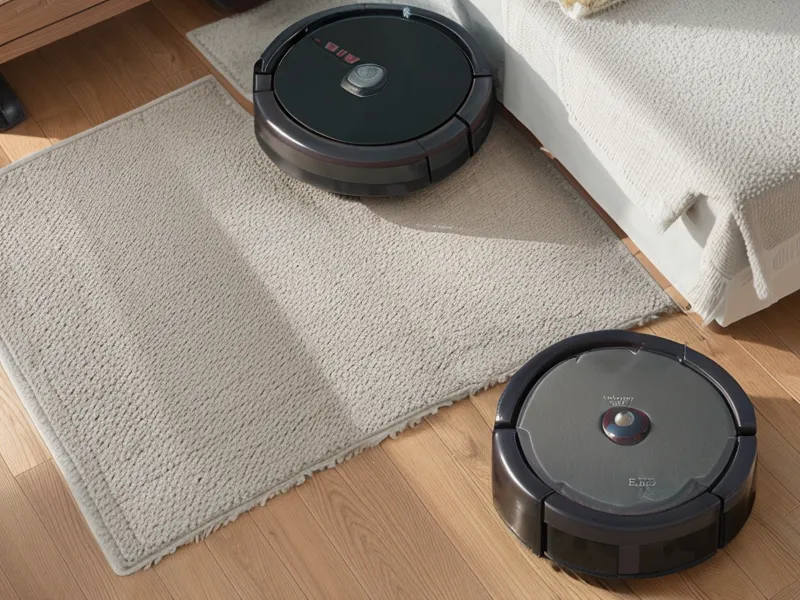
Cleaning these windows does not require a specialized maintenance kit. You just need the same gentle discipline you\'d use on a DSLR camera lens or an expensive pair of eyeglasses.
1. The Dry Mechanical Pass
Flip the machine onto a clean, soft surface—a bath towel or an old rag rug works best so you don\'t scratch the lidar turret or top cover. Take a dry, clean microfiber cloth (the soft, plush kind used for detailing cars or wiping computer monitors) or a simple dry cotton swab. Gently circle each of the 4 to 6 cliff sensor recesses along the rim. Nine times out of ten, static-bonded pet fur lifts right off with zero moisture required.
2. The Controlled Wet Wipe (Stubborn Spots Only)
If you live in a house with dogs, dry wiping doesn\'t always clear everything. Dried slobber, grease from kitchen grease mist, or damp mud tracked across the hall can bake onto the front obstacle sensors. When that happens, reach for a standard 70% isopropyl alcohol dilution. Never pour or spray liquid onto the vacuum itself. Lightly moisten the tip of a cotton swab so it is barely damp to the touch—not dripping—and wipe the lens with a single soft stroke, followed immediately by the dry side of your microfiber cloth. The 70% ratio dissolves oily films instantly and evaporates before it can compromise internal electronics or craze the clear plastic casing.
3. Clear the Hidden Emitters
Don\'t forget the home base. The docking station has a wide, dark plastic strip on its face that acts as an infrared beacon. If that window is coated in a blanket of household dust, the vacuum will pull up within six inches of the base, spin around like a confused puppy, and die on the floorboards with a dead battery. Wipe the base station\'s glossy charging face with your dry microfiber cloth every single time you tend to the bot.
Building It Into the Routine
By early autumn, our house had entered the heavy seasonal shed cycle again. Murph was dropping undercoat in clumps, and Beans was shedding coarse little needle-hairs that worked their way deep into our hallway runners. You can vacuum manually, or you can let your bot do the grunt work, provided you treat maintenance like part of the user journey rather than an unexpected chore.
I stopped treating sensor cleaning as an emergency reaction to a screaming error chime. Instead, I built a quick, thirty-second swipe into every third or fourth dustbin-emptying session. When I pop the bin over the kitchen trash, I flip the chassis, glance at the underside array, and give the drop windows a quick dry swab. If you find your bot struggling before the sensors even get dirty, take a look at how to actually map your house without your robot vacuum choking on dog hair, which lays out how to set up clean boundary corridors during heavy shed months.
Since switching to this low-pressure, cloth-only routine, our bots have logged dozens of runs across the bungalow\'s uneven oak thresholds without a single phantom cliff alert. No scratched lenses, no canned air propellants, and no more frantic distress pings while the machine sits peacefully on completely level ground.