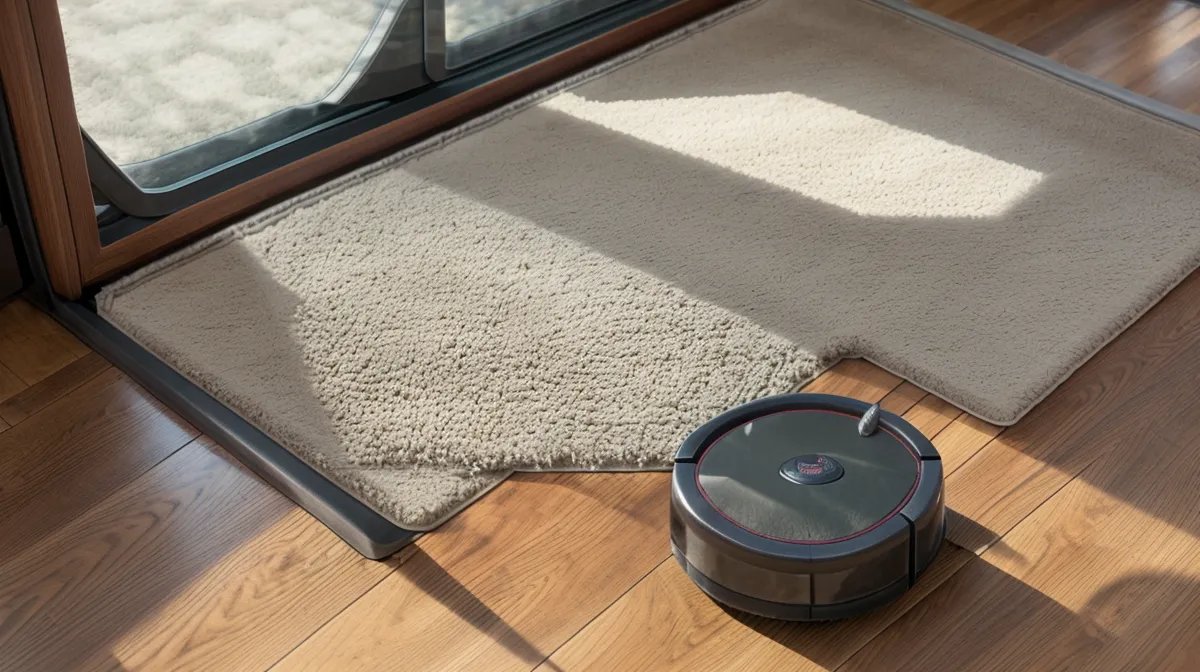
What if the map your robot vacuum draws on its very first run is already wrong, and the app has no way of flagging it? That's the question nobody in robot vacuum marketing wants to answer, especially in a house with two shedding dogs and enough loose fur drifting across the hardwood to pass for tumbleweed season. Two years into logging every mapping run, failed or not, in what I call the dustbin tally, I've watched this exact failure happen across six different bots, and it's rarely the hardware's fault.
The Myth That 'Quick Map' Is Actually Quick
Common wisdom says you unbox the thing, tap 'Quick Map,' and come back to a finished floor plan. That holds up fine in a tidy condo with no pets. In a house where fur piles up behind doors and under furniture within a day, it's backwards advice, and following it is how people end up remapping three or four times before the layout holds. Pet hair management starts before the mapping run, not after it, and most onboarding flows never say so.
Why Your Floor Has to Be Clean Before the Robot Can Map It
The reason comes down to how the sensor actually works. Most of these bots use LIDAR, a laser that spins around the room pulsing out distances to build the map in real time. That laser can't tell the difference between a wall and a soft, limp drift of Murph's shedding, so a dirty floor doesn't just look messy to the bot, it reads as new geometry. Leave a pile of fur behind a half-open door and the bot will quietly decide the room past it doesn't exist, which is exactly how an entire guest room disappeared off a floor plan before anyone caught that the plan was wrong, not the room.
Getting a floor truly clear for a map means clipping curtains up out of the sensor's path, moving the beagle bed off to the side, and in my case asking Sam to walk both dogs down to the White River Greenway path so nothing with four legs wanders back through the beam mid-run. The dustbin tally also showed me that a bin fills faster during a mapping pass than during a normal clean, since the bot crawls at low speed through every room instead of making efficient lines, and a bin that fills mid-map is its own way to end up with a half-finished plan.
Mirrors, Rugs, and the Lies Your Sensors Tell
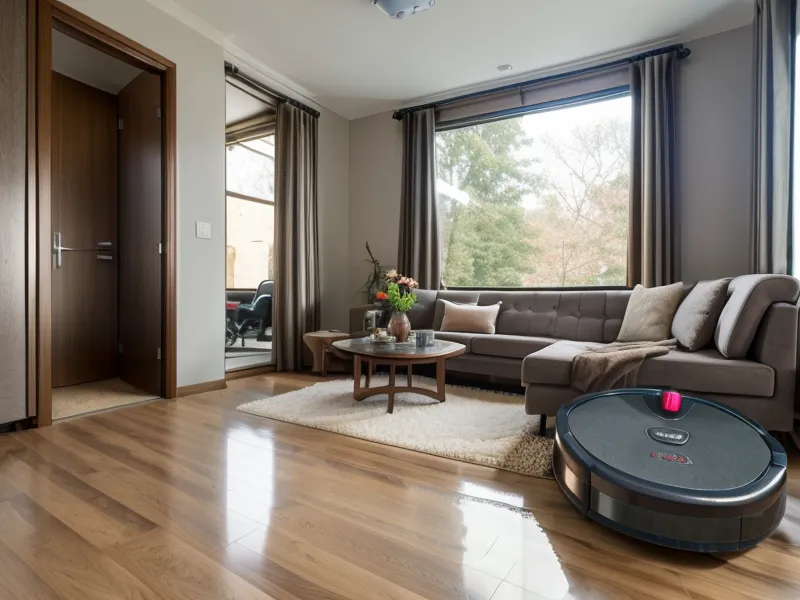
A mirror is where this gets genuinely funny. My bedroom has a floor-length one, and the first time I mapped that room, the bot read its own reflection as a whole unexplored suite and tried to clean straight into the glass for a solid two minutes before giving up. LIDAR treats a reflective surface as distance, not as a dead end, so it will keep inventing rooms that are actually just its own reflection.
Dark rugs cause the opposite problem. The infrared cliff sensors meant to stop a bot from diving down a staircase, the same kind of sensor that didn't save my old i3 on the basement stairs years ago, can read a black stripe in a rug pattern as a drop that isn't actually there. I've gone deeper into why your robot vacuum keeps ghosting your area rugs elsewhere, but for mapping purposes the short version holds: run the first map in daylight, open any blackout curtains, and watch for the exact spot where the bot refuses to cross a rug edge, because that spot is worth fixing before you trust the map for anything else.
No-Go Zones Aren't Permanent, No Matter What the App Promises
The myth that costs people the most sleep is the idea that a no-go zone drawn once in the app just stays put. I drew a boundary around Beans' nap corner so a bot wouldn't bump his hip mid-run, and the ECOVACS app kept silently resetting that boundary after firmware updates, no warning banner, no changelog entry I could ever find, just a zone that worked fine and then quietly didn't. As a UX writer this is the part that offends me professionally: it's the same move as a SaaS product rolling back your account settings after an update and never once mentioning it.
I usually find out after the fact, too. I'll come downstairs some morning and notice the charging dock has been nudged a few inches into a new corner, because Sam got tired of waiting for me to catch the reset myself and moved it before some poor bot wedged itself under the sectional again. If you've drawn a zone once and trusted it to hold, go back and check it after every single app update. That's not optional maintenance. It's the only way to catch a silent reset before the robot finds the gap for you.
Brenley Hessler, someone I trade notes with on r/robotvacuums after she found an old dustbin-weight thread of mine, hit this exact reset bug on her own bot a few months back. She sent over one of her unsolicited dustbin photos, before and after, like she always does, except this time the before and after showed a zone that had simply vanished between cleanings. It's not a one-house glitch, and it's not rare enough to shrug off.
Treat the First Map as a Draft, Not a Verdict
None of this means mapping is hopeless, it means the first map is a draft and not a verdict. The actual rule is boring: clear the floor before you start, recheck your no-go zones after every app update, and run the first pass in daylight so you can watch exactly where the bot gets confused instead of trusting the summary screen afterward. There's a separate argument to be had about dedicated vacuums versus mop-and-vacuum combos, mostly about what a wet brush roll does to husky fur, and that's a big enough topic I'm leaving alone here. For mapping problems specific to houses built long before anyone thought about LIDAR, the first mapping run always lies goes further than I can in one post, and for the full accounting of dustbin weights and app complaints across every bot that's come through this house, the shed-heavy household survival guide has the rest of it. Sam still thinks it's ridiculous that I care this much about a floor plan. The floor plan was the only part of any of this that was ever actually broken.