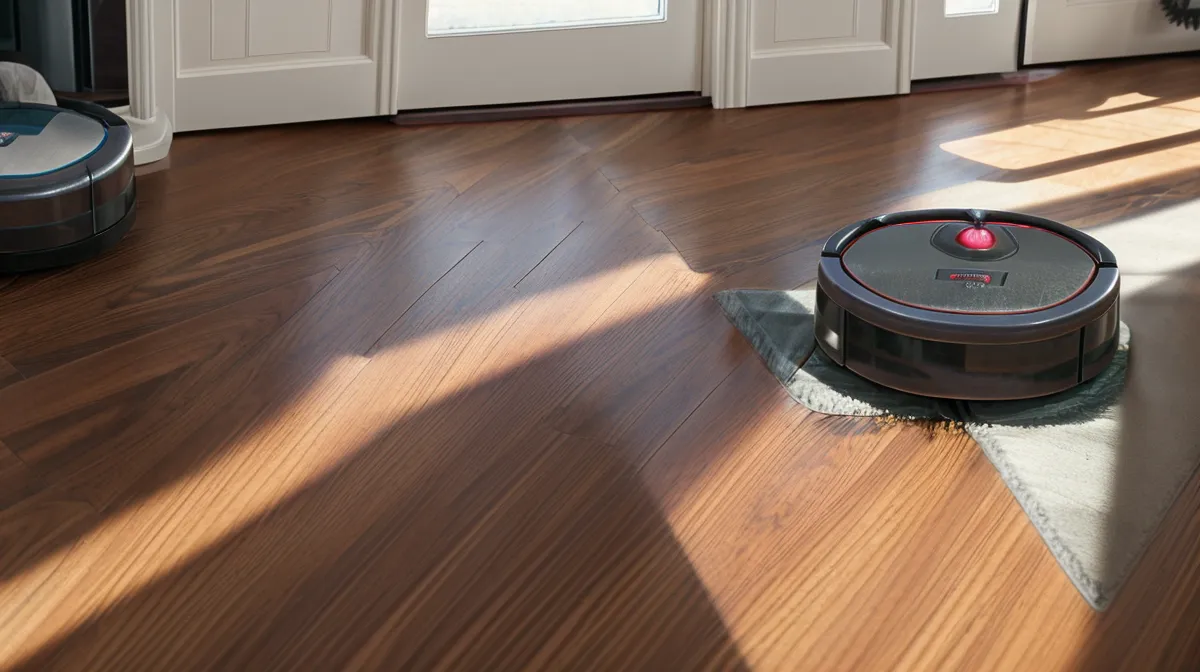
Late one chilly evening last March, I stumbled into the dark hallway to grab water and kicked something plastic. It wasn't one of Beans's stray rubber bones. It was the robot vacuum, stranded dead on the raised brass threshold between the dining room and kitchen, drive wheels hanging uselessly in thin air with a faint amber fault ring fading into black.
"Did it give up on life again?" Sam called out from the living room sofa, not even looking up from his laptop.
It had. The vacuum was roughly forty feet from its dock, completely drained of juice halfway through what the companion app cheerfully promised was an 'automated whole-home sweep.' Our 1920s bungalow isn't a mansion, but it has eight distinct partitioned spaces, thick door jambs, and a pair of rescue dogs—Beans, who sheds fine hound glitter, and Murph, whose husky undercoat could easily insulate an attic. When you drop an autonomous vacuum into a multi-room floor plan, you quickly learn that square footage isn't what kills your runtime. Transit friction, bad navigation sequencing, and phantom processing overhead are the real culprits.
The Architecture Tax: Why Multi-Room Layouts Eat Battery
Most mid-to-high-tier robot vacuums ship with an OEM lithium-ion battery rated right around 5200 mAh. On paper, product marketing promises two or even three hours of continuous cleaning on a single charge. In an open-concept loft with laminate plank flooring and zero furniture legs, maybe that happens. But in an older compartmentalized home, that battery capacity gets eaten alive by hidden computational and mechanical penalties.
Every time the vacuum leaves the living room, navigates through the narrow hall, bumps over a room divider, and enters a bedroom, its internal computer is working overtime. The optical path sensors and LiDAR sensor processing chips draw continuous baseline power regardless of whether the brush roller is actively spinning or suction is engaged. If a machine spends fifteen minutes just meandering across thresholds, hesitating at chair clusters, and recalculating paths because a door drifted half-shut, you are burning pure watt-hours on navigation rather than picking up pet hair.
Then there is the threshold penalty. Clambering over a half-inch oak saddle or a raised metal transition plate forces the drive wheel motors to spike their instantaneous current draw. When a bot tries to conquer that hump three or four times because its entry angle was slightly skewed, it drains the cell pack faster than ten minutes of flat cruising.
Stop Scheduling Back-to-Back Whole-House Marathons
Here is where standard smart-home advice steers people wrong. Most setup wizards encourage you to set a single recurring schedule: clean everything every Tuesday and Thursday morning. If the battery runs out midway, the machine initiates 'recharge and resume'—it limps back to base, sits for two hours until it hits roughly eighty percent charge, and then trundles back out to finish the remaining rooms.
This is terrible for your long-term battery lifespan. A standard lithium-ion pack provides roughly 300 to 500 cycles before reaching 80 percent original capacity. When you force a machine through an aggressive mid-cycle top-up and immediate deep discharge while the pack is still warm from scrubbing, you are accelerating electrochemical degradation. Running a battery from empty to partial charge under sustained ambient heat, only to throw it back into a high-load environment, degrades cell chemistry significantly faster than letting it complete a full, cool recharge cycle.
The contrarian fix that saved my sanity: stop scheduling back-to-back room cleans. Your vacuum's battery health actually improves when you allow full recharge cycles between fragmented floor-plan sessions. Instead of demanding that one machine run a marathon across six rooms in a single afternoon, break your bungalow into distinct cleaning territories separated by several hours.
The Sequence Fix: Clean Closest to Furthest
After about three weeks of zoning tweaks, I finally opened the map editor and deleted the default whole-home routine entirely. The app onboarding for these devices usually treats room sequencing like a cosmetic feature, burying it behind three sub-menus like a hidden opt-out toggle. But manual cleaning order is the single most effective software setting for extending per-run battery longevity.
When left to its own logic, a robot will frequently tackle rooms in whatever order they were originally mapped. That meant my unit was starting in the back guest bedroom, driving eighty feet across the house to sweep the front foyer, returning across the same floorboards to hit the dining room, and then realizing it missed a corner near the front entryway. That unnecessary transit transit burned nearly a fifth of the total pack capacity before it had even collected twenty grams of dog hair on my kitchen scale.
The rules I established to eliminate wasted transit:
- Sequence rooms geographically: Order rooms strictly from closest to the dock outward, or vice versa, ensuring the machine never deadheads through a room it already cleaned.
- Group messy zones together: Beans sleeps near the kitchen heater vent; Murph drops clumps of white fur under the dining table. I group those heavy-shed rooms into their own isolated morning run.
- Isolate perimeter checks: Disable edge-cleaning passes on every single run; modern roller geometry and side brushes pull plenty of debris without forcing the bot to scrub baseboards twice a day.
I logged these runs in my dustbin tally notebook, tracking the remaining battery percentage upon return. By merely ordering rooms in a logical snake pattern instead of random app logic, the vacuum returned to the dock with nearly thirty percent more charge remaining every single time.
Suction Power: You Do Not Need 'Max' on Hardwood
There is a psychological trap in cleaning companion apps where users feel compelled to toggle suction to 'Turbo' or 'Max.' It makes a satisfying, high-pitched turbine whine that sounds like productive labor. But operating a robot vacuum on max suction roughly doubles the instantaneous wattage draw compared to standard or quiet mode.
On bare hardwood and smooth linoleum, high suction does almost nothing for fine dust collection. The physical squeegee blade and the rubber roller do ninety percent of the mechanical lifting; the vacuum airflow merely needs to pull loosened debris into the channel. Blasting max suction across eighty feet of hallway flooring empties your 5200 mAh pack in under an hour for zero measurable pickup gain.
Save high suction exclusively for medium-pile rugs. Most contemporary mapping systems let you configure per-room suction settings. In my home, the bare wood halls and kitchen run on 'Standard' or 'Quiet,' while the heavy wool rug in the living room gets carpet boost. That single calibration keeps the motor running cool and prevents unnecessary battery exhaustion halfway through the house. When I was running tests for my notes on obstacle avoidance versus suction power, I noticed the exact same dynamic: navigation efficiency consistently beat brute suction for keeping floors clean without human intervention.
Physical Roller Friction and Drive Wheel Drag
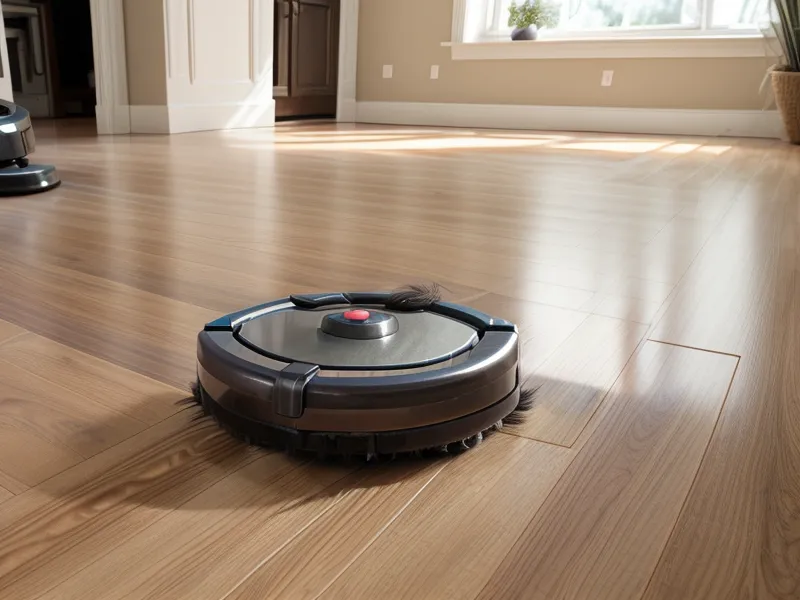
Battery drain isn't purely a software or battery-chemistry problem. Mechanical resistance is an invisible vampire. If you have dogs like Beans and Murph, your vacuum's brush roll ends and front caster wheel are constantly collecting tightly wound bands of hair.
When dog hair packs tightly around the bearings at the end of the roller assembly, the roller motor encounters physical friction. To maintain its target RPM, the motor draws additional current from the battery pack. The bot won't always throw a roller-stall error code; instead, it simply draws ten to fifteen percent more power continuously, running hotter and dying sooner.
Once a week, I pop the roller out, take a utility blade to the packed spool of husky fur near the drive lugs, and pop the front caster wheel out of its swivel socket. You would be amazed at how much grease and dander builds up inside that caster well. Keeping those contact points spinning freely prevents mechanical drag from quietly bleeding your runtime.
While you have the machine upside down, wipe the charging contacts and sensors. I put together a step-by-step breakdown earlier on how to clean robot vacuum sensors, and it pays dividends here too. Dirty optical wall sensors make the vacuum slow down, inch forward cautiously, and constantly tap baseboards, dragging out runtimes that should take forty minutes into sixty-minute crawls.
Dock Placement and Thermal Degradation
By mid-summer, I noticed another runtime anomaly that didn't show up in winter. The vacuum was finishing its scheduled morning run in the front rooms, docking normally, but its overall runtime was steadily shrinking week after week.
The problem was the dock's physical location. We had placed the auto-empty base right beside the south-facing bay window in the front parlor because the outlet was convenient. By noon every day, direct Indiana summer sunlight beat through the glass, baking the base station and the docked vacuum. Lithium-ion batteries experience accelerated capacity degradation when exposed to sustained ambient heat sources above 30 degrees Celsius while resting at full charge. Keeping a fully saturated 5200 mAh pack hot degrades the electrolyte and drives up internal resistance, permanently trimming the reserve capacity you rely on for multi-room jobs.
We relocated the base to an out-of-the-way nook in the hallway where the floor stays cool and shadowed. If you have an older home with radiator fins or sunny floor patches, inspect where that charging cradle sits. Heat is the natural enemy of rechargeable cells.
Dealing with hair buildup and multi-room management is always an ongoing trial. When I was tracking dustbin weights for my guide on how reliable the self-emptying bin was for dog hair, I realized that getting automated cleaning to actually work in a real home isn't about letting the machine run wild. It comes down to respecting the hardware limits.
Tweak your room orders, give the battery breathing room between runs instead of forcing mid-cycle top-offs, dial down the suction on bare timber, and you will stop finding your vacuum dead on the floorboards with a dead battery and half the house left untouched.